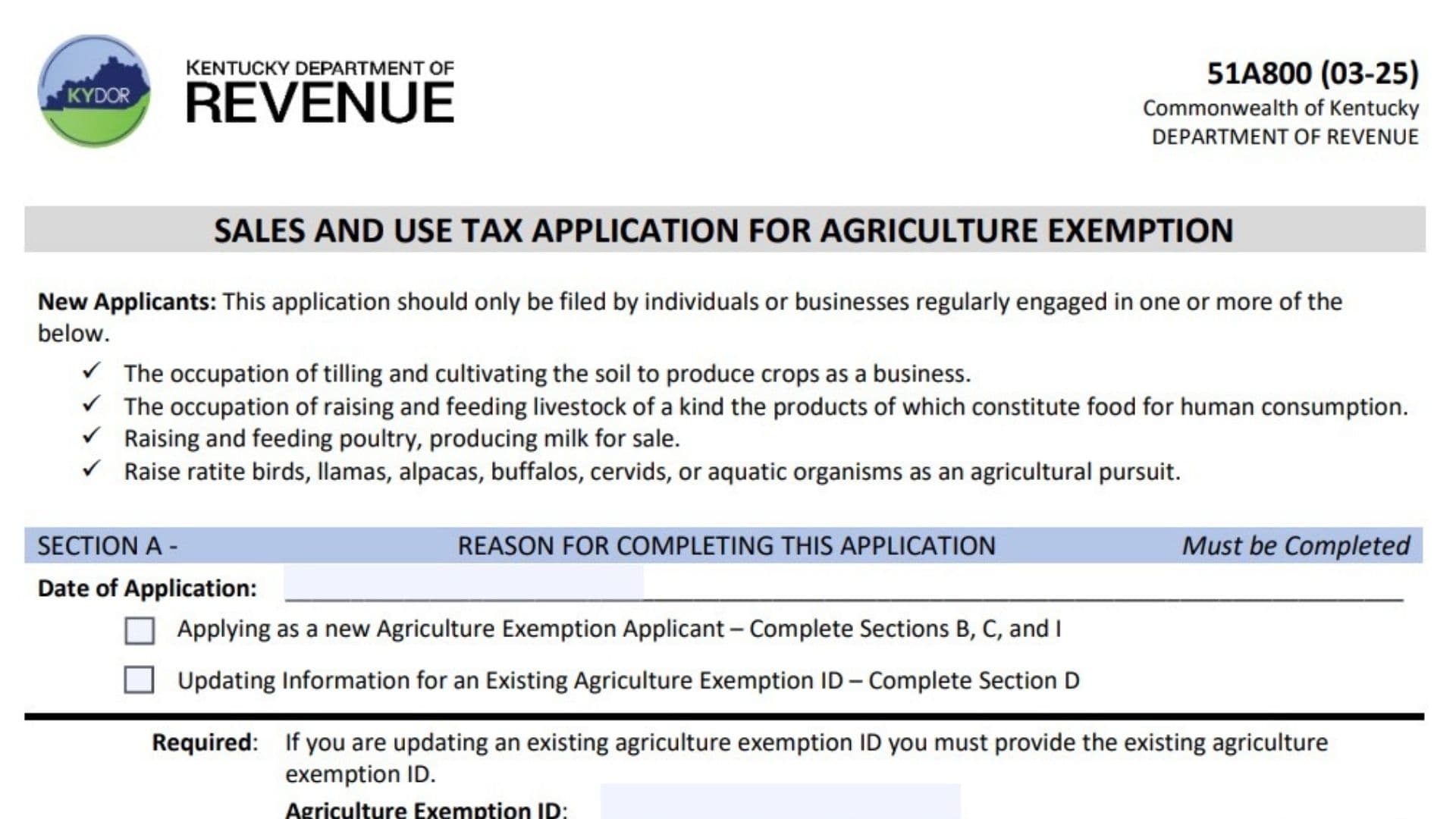
Kentucky Form 51A800 is the Sales and Use Tax Application for Agriculture Exemption issued by the Kentucky Department of Revenue. This application is used by individuals or businesses that regularly conduct qualifying agricultural activities and want to apply for an Agriculture Exemption ID. The application is intended for agricultural businesses involved in activities such as cultivating crops, raising livestock for human food production, poultry production, milk production, and raising certain agricultural animals or aquatic organisms. The form collects information about the farm or agricultural entity, responsible individuals, business activities, supporting documentation, farm location, contact details, and authorized approval. Completing the form correctly allows the Kentucky Department of Revenue to review whether the applicant qualifies for an Agriculture Exemption number. An approved Agriculture Exemption number does not automatically make every purchase tax-free. Purchases must still meet the legal requirements for agricultural exemptions before sales and use tax exemption can be claimed.
How To File Form 51A800
Applicants should complete the required sections and submit the application to the Kentucky Department of Revenue, Division of Sales and Use Tax.
The completed application can be submitted using the following methods:
Kentucky Department of Revenue
Division of Sales and Use Tax
PO BOX 181, Station 66
Frankfort, KY 40602-0181
Fax
(502) 564-2041
DOR.WebResponseSalesTax@ky.gov
Before completing the application, prepare the following information:
- Farm or agricultural entity legal name
- Responsible party details
- Social Security number and driver’s license number
- Federal Employer Identification Number (FEIN), if applicable
- Agricultural business activity details
- Supporting agricultural documentation
- Farm address and contact information
- Authorized signer information

How To Complete Form 51A800
Section A: Reason For Completing This Application
Section A explains why the applicant is submitting the application and must be completed by all applicants.
Date Of Application
Enter the date the application is completed and submitted.
Applying As A New Agriculture Exemption Applicant
Select this option if you are applying for a new Agriculture Exemption ID.
New applicants must complete Sections B, C, and I according to the form instructions.
Updating Information For An Existing Agriculture Exemption ID
Select this option if you already have an Agriculture Exemption ID and need to update existing information.
Applicants updating an existing exemption ID must complete Section D and provide their current Agriculture Exemption ID.
Agriculture Exemption ID
Enter your existing Agriculture Exemption ID when updating information for an approved exemption account.
Section B: Organization Information
Section B collects information about the farm, business, or agricultural organization applying for the exemption.
Legal Name
Enter the official legal name of the farm or farm entity applying for the exemption.
DBA Name
Enter the “Doing Business As” name if the farm operates under a different business name.
SOS Organization ID
Enter the Secretary of State organization identification number, if applicable.
Driver’s License Number
Provide the driver’s license number of the responsible party when required.
FEIN
Enter the Federal Employer Identification Number if the agricultural business has one.
Social Security Number (SSN)
Enter the Social Security number of the responsible party.
RP Name / Title
Provide the responsible party’s name and title. The responsible party information is required along with SSN, driver’s license number, and FEIN when applicable.
Type Of Agricultural Business Activity
Select every agricultural activity that applies to the farm or agricultural entity.
Poultry And Egg Production
Select this option if the business raises poultry or produces eggs.
Crop Production
Select this option for businesses involved in cultivating crops.
Dairy Farming And Production
Select this option for dairy farming activities, including milk production.
Raising And Feeding Ratite Birds
Select this option if the business raises and feeds ratite birds.
Raising And Feeding Buffalos
Select this option for buffalo-raising agricultural activities.
Raising And Feeding Cervids
Select this option for raising deer or other cervid animals.
Raising And Feeding Alpacas
Select this option for alpaca agricultural operations.
Raising And Feeding Llamas
Select this option for llama agricultural operations.
Raising And Feeding Aquatic Organisms
Select this option for agricultural operations involving aquatic organisms.
Livestock And Products For Consumption
Select this option when raising livestock where products are intended for human consumption.
Detailed Explanation Of Agricultural Activity
Provide a detailed description of the agricultural activities performed by the farm or farm entity.
If additional space is needed, attach a separate page.
Verification Of Agricultural Business Activity
This section requires documentation that verifies the agricultural activity of the farm or agricultural entity. Applicants should check all supporting documents included with the application.
IRS Schedule F, Profit Or Loss From Farming
Check this option if you are submitting IRS Schedule F documentation showing farming income or activity.
IRS Form 4835, Farm Rental Income And Expenses
Select this option if submitting IRS Form 4835 related to farm rental activities.
Farm Service Agency Number
Enter the Farm Service Agency number if applicable.
Other Documentation
Provide details of any other documents that help establish qualification for an Agriculture Exemption ID.
Examples should be limited to information that verifies agricultural business activity.
Farm Address And Mailing Address
Farm Address
Provide the physical location of the farm.
Street Address
Enter the farm street address.
Do not use a PO Box for the farm location address.
City
Enter the city where the farm is located.
County
Enter the county of the farm location.
State
Enter the state where the farm is located.
ZIP Code
Enter the ZIP code for the farm location.
Contact Phone Number
Provide the phone number associated with the farm.
Mailing Address
Provide the address where official correspondence should be sent.
Mailing Address Is The Same As Location Address
Check this box if the mailing address is identical to the farm location address.
Street Address Or PO Box
Enter the mailing address. A PO Box may be used for mailing purposes.
City
Enter the mailing city.
County
Enter the mailing county.
State
Enter the mailing state.
ZIP Code
Enter the mailing ZIP code.
Contact Email Address
Provide an email address where the Department of Revenue can contact the applicant.
Section D: Contact Information
Section D must be completed with the information of the person the Department of Revenue should contact regarding the application or any additional information requests.
Contact Name
Enter the name of the person responsible for handling application communication.
Contact Phone Number + Extension
Provide the contact telephone number and extension if applicable.
Contact Email Address
Enter the email address for application-related communication.
Section E: Application Submission Or Update Request
Section E provides submission instructions for sending the application or updating information.
Application Submission Or Update Request
Submit the completed application to the Kentucky Department of Revenue using the listed mailing address, fax number, or email address.
Section F: Signatures
Section F confirms that the information provided is accurate and that the signer has authority to submit the application.
Authorized Signer Printed Name
Print the full name of the person authorized to sign the application.
Title
Enter the signer’s position or role in the organization.
Signature
The authorized person must sign the application.
Date
Enter the date the application is signed.
Additional Information After Approval
If the application is approved, the Kentucky Department of Revenue will mail an authorization letter containing the Agriculture Exemption number and instructions for claiming the exemption.
The exemption number only allows qualifying purchases to be considered for exemption. Purchases must still satisfy statutory requirements listed on the applicable Farm Exemption Certificate (Form 51A158) or On-Farm Facilities Certificate of Exemption for Materials, Machinery and Equipment (Form 51A159).
When requirements are met, the applicant may purchase qualifying tangible personal property without paying sales and use tax to the vendor.
The Agriculture Exemption number must be used when issuing the required exemption certificates to vendors.
Any changes to the organization’s name, address, or agricultural activity must be reported promptly to the Department of Revenue after an exemption number has been issued.
Final Review Before Filing
Before submitting Form 51A800, verify the following:
- Confirm whether you are applying for a new exemption or updating an existing exemption.
- Enter the correct Agriculture Exemption ID if updating information.
- Provide the complete legal name of the farm or agricultural entity.
- Include responsible party information.
- Provide required identification details.
- Select all agricultural activities that apply.
- Write a clear explanation of your agricultural operations.
- Attach supporting agricultural documentation.
- Verify farm and mailing addresses.
- Provide accurate contact information.
- Ensure an authorized person signs and dates the application.
- Submit the completed application to the Kentucky Department of Revenue using an approved submission method.
- Keep copies of the completed application and supporting documents for your records.