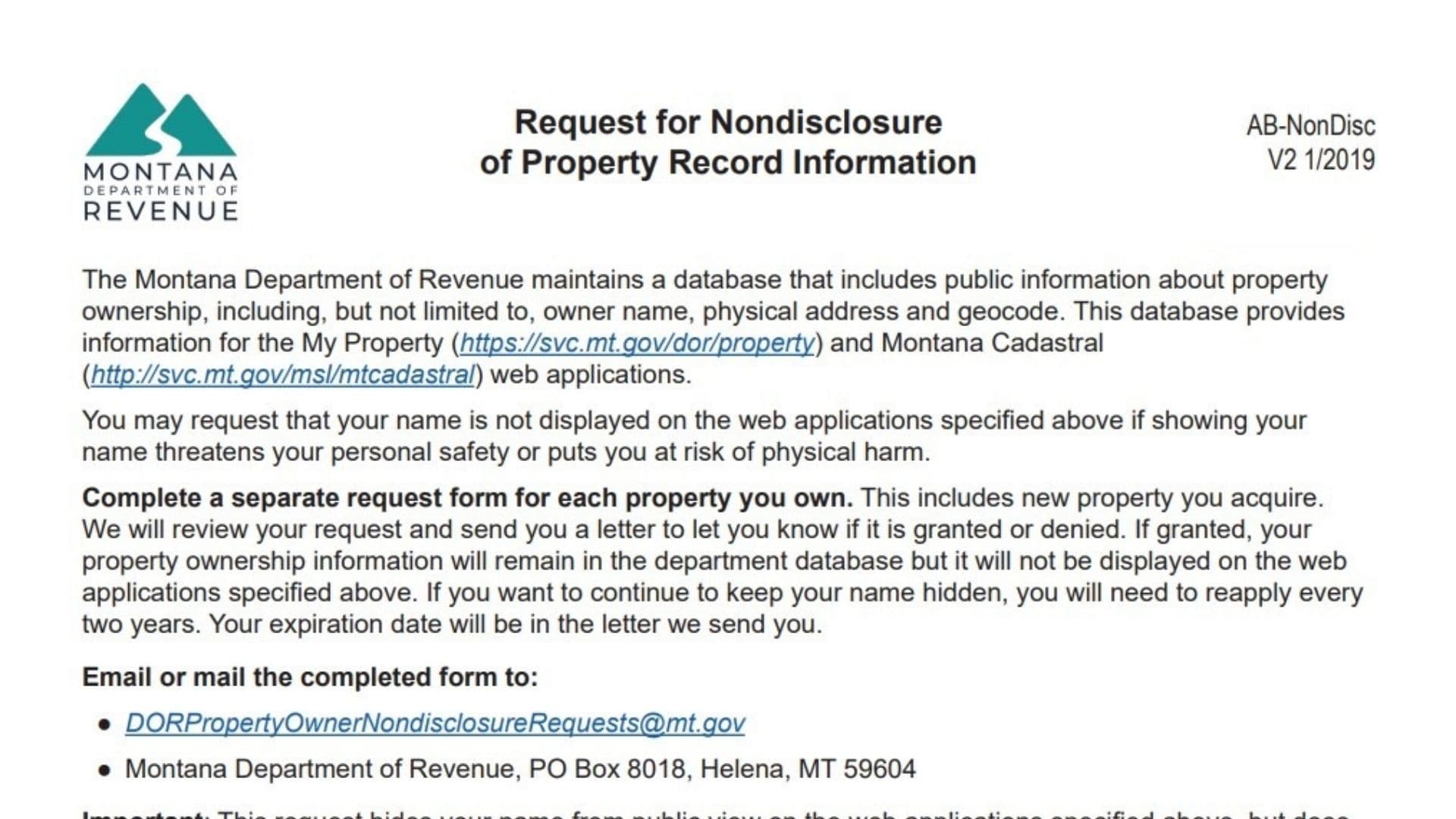
In an age where digital privacy is increasingly scarce, Montana property owners have a specific tool to help protect their personal safety. Montana Form AB-NonDisc, formally titled the Request for Nondisclosure of Property Record Information, allows individuals to request that their name be hidden from the state’s public-facing web applications, specifically “My Property” and “Montana Cadastral.” Normally, the Department of Revenue maintains a public database listing property ownership details, including names, addresses, and geocodes. However, if displaying your name on these websites threatens your personal safety or puts you at risk of physical harm, you can file this form to have it removed from the online display. It is important to understand the limitations: this form hides your name from the specific web applications mentioned, but it does not scrub your data from all government databases, local government records, or third-party websites. If approved, the nondisclosure status is temporary; you must reapply every two years to maintain the privacy shield. This form is a critical safety measure for victims of stalking, domestic violence, or anyone with a legitimate reason to fear for their physical safety due to public exposure.
How To File Form AB-NonDisc
You must file a separate request form for each property you own, including any new properties you acquire in the future.
- Completion: Fill out the form completely, ensuring you provide a clear explanation for your safety concerns.
- Documentation: While not strictly mandatory for every single case, the form instructs you to “Attach any documentation to support your claim,” which significantly strengthens your request.
- Submission: You can submit the form via email or regular mail.
- Email: DORPropertyOwnerNondisclosureRequests@mt.gov
- Mail:
Montana Department of Revenue
PO Box 8018
Helena, MT 59604
- Review: The Department will review your application and send you a letter granting or denying the request. If granted, the letter will include your expiration date.

How to Complete Montana Form AB-NonDisc
Required Information
This section identifies the property and the owner.
- Property Owner Name: Enter your name exactly as it currently appears on the website. This helps the department locate the correct record to modify.
- Mailing Address: Enter the address where you want to receive the decision letter (granting or denying your request).
- Contact Number: Provide a phone number where you can be reached if there are questions.
- Email Address: Provide a secure email address for communication.
- Property Address: Enter the physical street address of the property you want to shield.
- County: Write the name of the county where this specific property is located.
- Geocode: Enter the unique identifier for your property. You can find this on the website or on your classification and appraisal notice.
Justification For Nondisclosure
- Explanation: In the space provided, you must explain why displaying your name on the department’s web applications threatens your personal safety or puts you at risk of physical harm. Be specific.
- Attachments: If you have restraining orders, police reports, or other relevant documents, attach copies to the form to support your written explanation.
Signature
- Property Owner Signature: You must sign the form to certify the request.
- Date: Enter the date you signed the form.
Reminder: If your request is granted, mark your calendar. You will need to re-file this form before the expiration date (typically two years) to keep your information hidden.